.svg)
07_02_Operating the DEKRA Technology Center
1. Starting the DEKRA Technology Center
1.1 Launching the DEKRA Technology Center
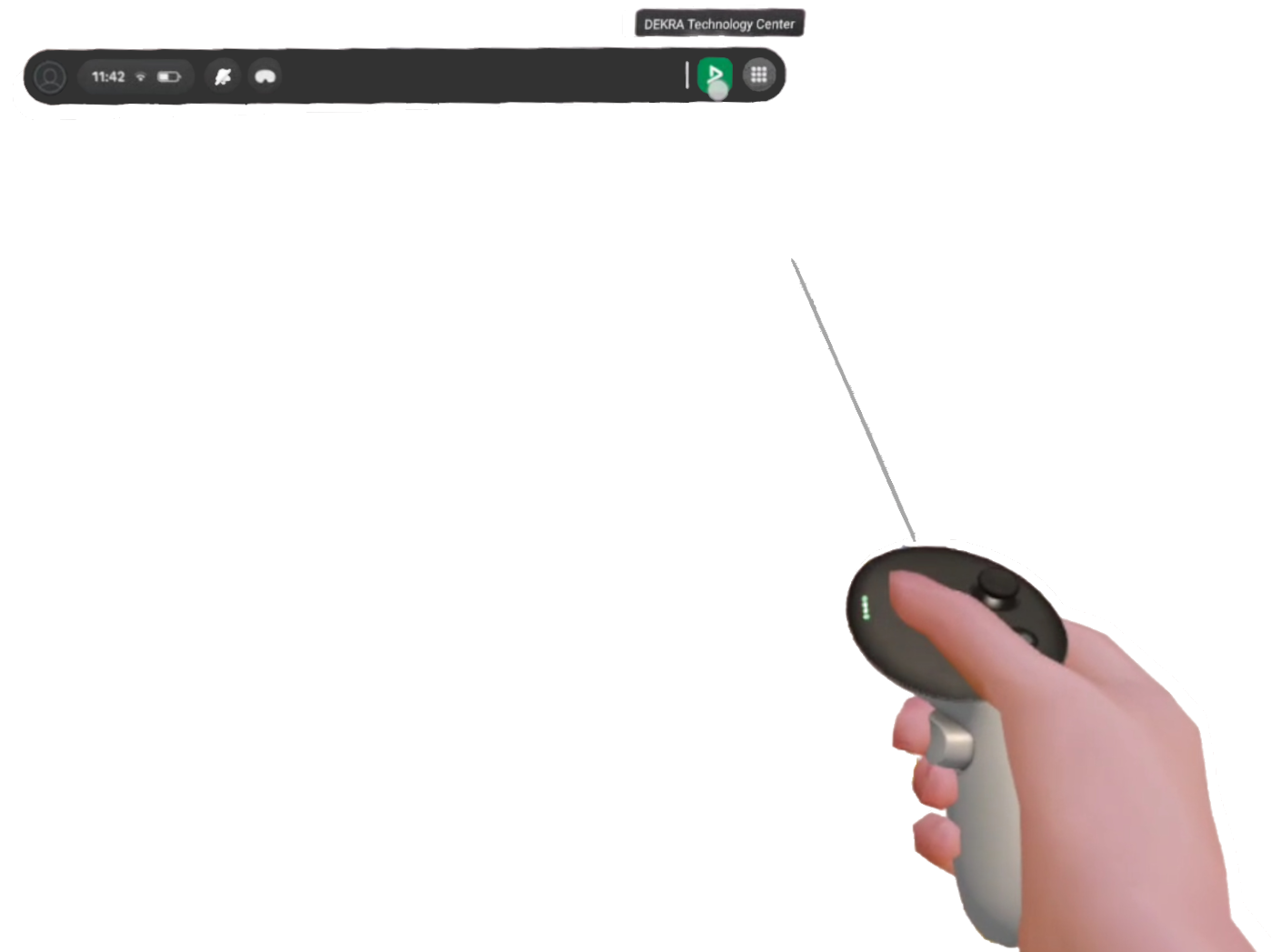
Once the headset is on, the DEKRA Technology Center can be launched via the Menu Bar.
(refer to section 07_01_02_Headset Startup & Initial Setup )
2. Process of the application
2.1. Language Selection:
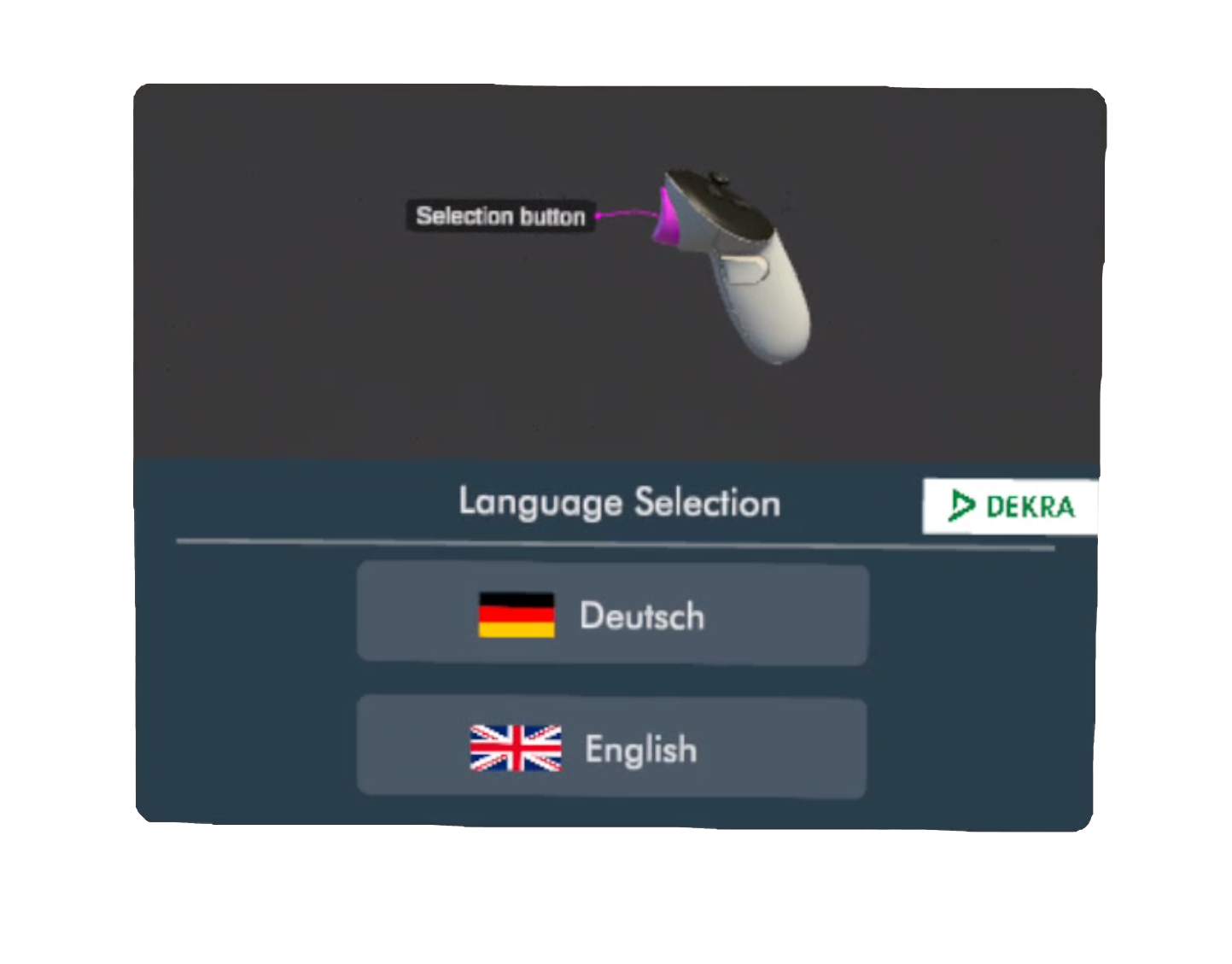
At the start of he application, the visitor can choose between a german and english version.
2.2 Optional Introduction
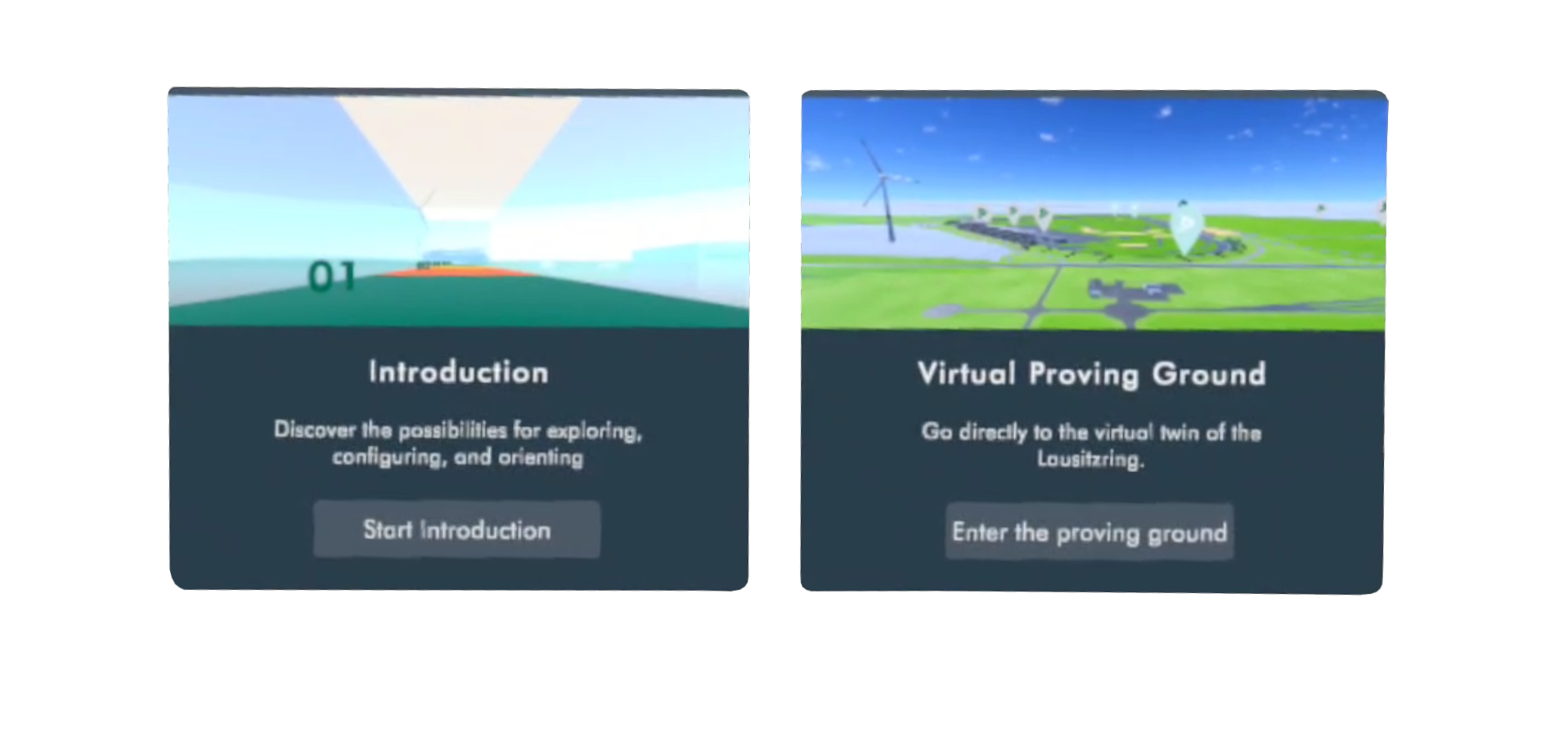
Before entering the virtual proving ground, visitors have the option to complete an introduction.
This introduction familiarizes them with the key functionalities: navigation, the main menu, configuration, fast travel, and scale.
2.3 Skip Introduction:
The visitor can skip the introduction at any time by selecting the button on their right side.
2.4 Restart the Application:
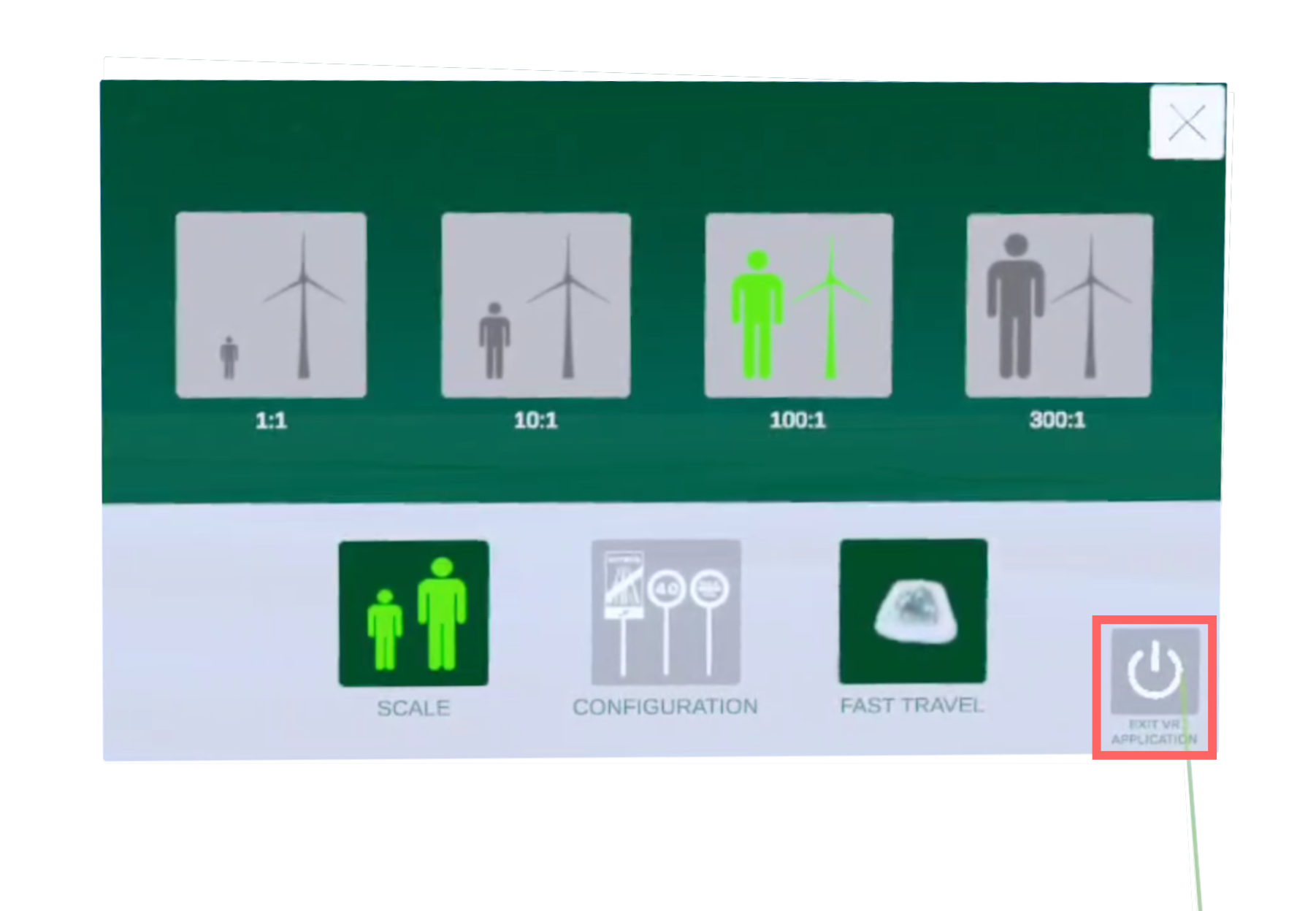
The visitor can end the application at any time by selecting the button in the main menu.
Upon removing the VR-Headset, the Application restarts immediately and is ready for the next visitor
3. Closing the DEKRA Technology Center
3.1 Closing the Application:
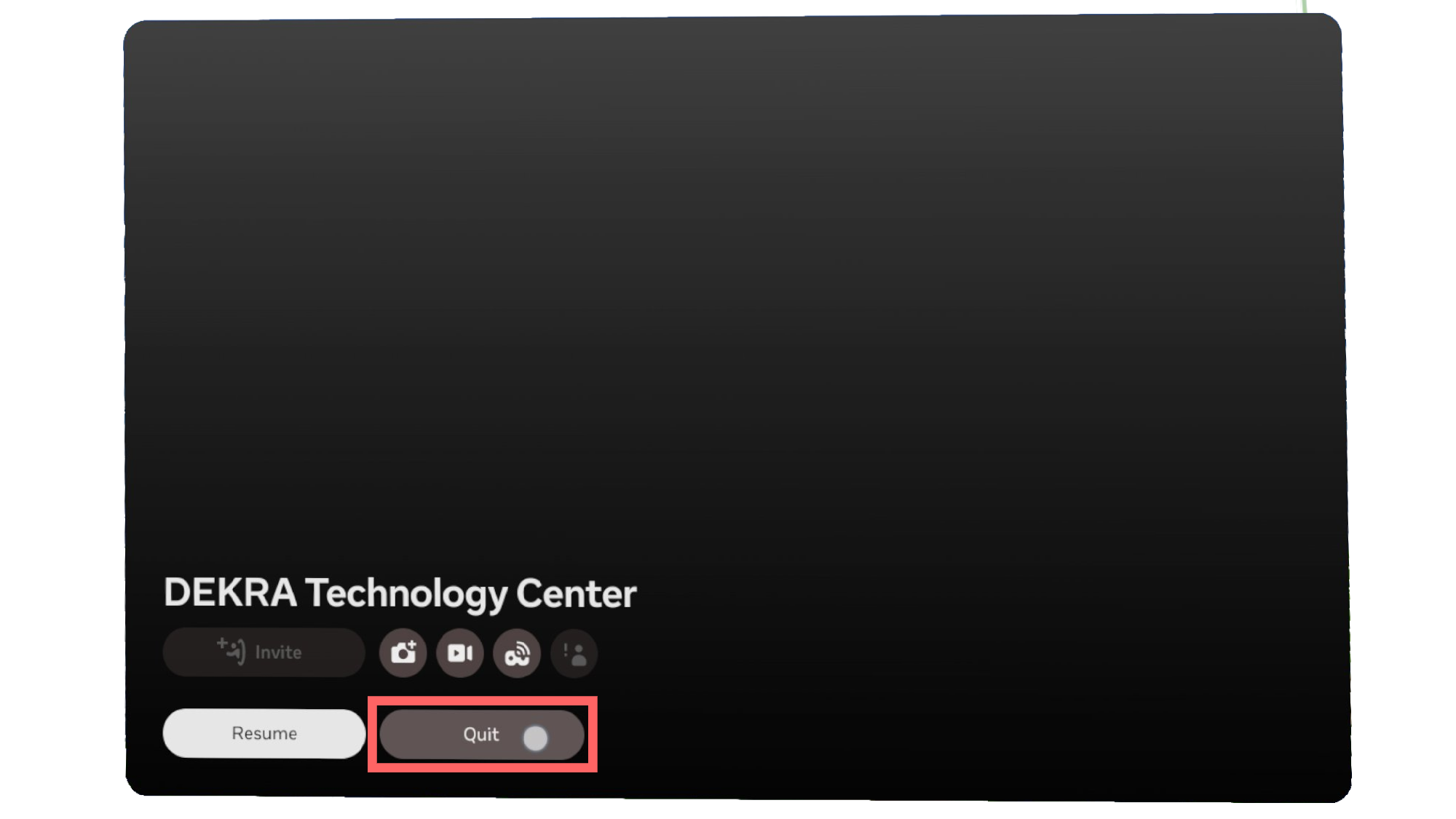
To close the application, press the Meta button on the right controller.
In the menu that appears, select "Quit".
4. Visitor Interaction During a Session
4.1 Automatic Operation:
The VR application runs in a continuous loop.
When a visitor is ready, the headset is placed on, and the experience begins automatically.
4.2 Two Possible End Scenarios:
Mid-Session Removal:
If the headset is removed during an ongoing application (before the application reaches its natural end), the system waits approximately 15 seconds before automatically restarting the selected experience.
Completion of the Experience:
If the visitor ends the experience through the button in the main menu, upon removing the VR-Headset, the Application restarts immediately and is ready for the next visitor

Recalibration Note:
If any issues occur or the alignment of the application is not correct, remove the headset briefly and then put it back on. This process recalibrates the system.
07_01_01_Explanation of the VR Hardware
07_01_02_Headset Startup & Initial Setup
07_01_03_Charging and Storage of the VR Hardware
07_02_Operating the DEKRA Technology Center